Online Accountant | Low cost fixed fee accountant
Online accounting services. Fixed fee accounting and tax services
- enquiries@onlineaccountingservices.co.uk
- 0116 298 2425
- enquiries@onlineaccountingservices.co.uk
Self-employment in the UK: Your simple guide to HMRC registration
Starting your journey as a self-employed individual is exciting, but it comes with legal responsibilities. One of the first steps is registering with HMRC to report your earnings and pay taxes. In this guide, we’ll explain everything in a user-friendly way, so you can focus on growing your business while staying compliant.
Who needs to register for self-employment?
You are required to register with HMRC as self-employed if any of the following situations apply to you:
- You earn more than £1,000 annually from self-employment
- You are working as a sole trader, freelancer, or contractor
- You’re in a partnership
- You’re a member of the Construction Industry Scheme (CIS)
- You’re a landlord earning rental income
- You’ve started a business, even if it hasn’t made money yet
- You have multiple income streams

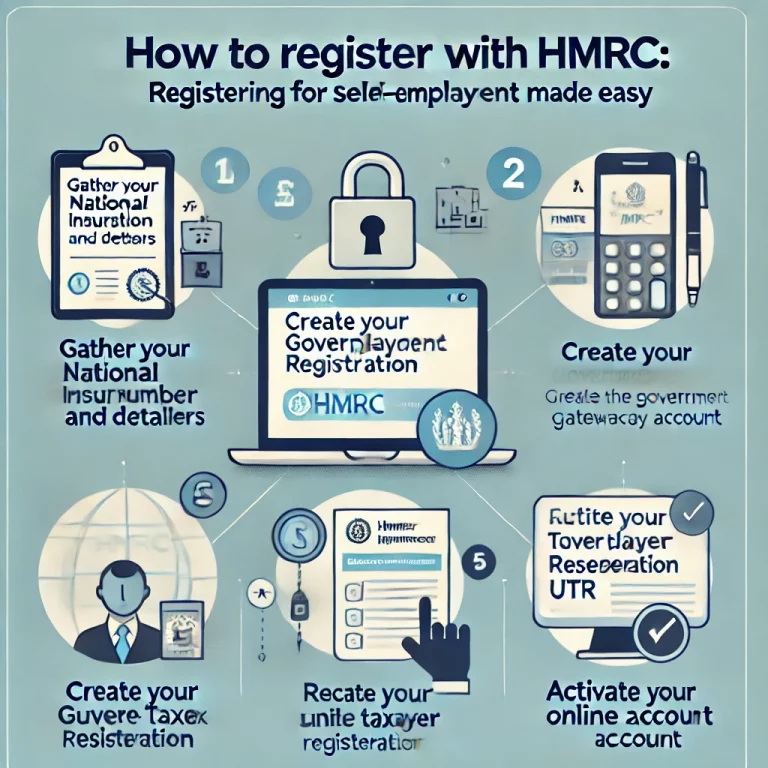
Step-by-step process to register with HMRC
Step 1: Create a government gateway account
Begin by setting up an account on the Government Gateway portal. This account gives you access to HMRC’s online services.
- Go to gov.uk and search for “Government Gateway.”
- Provide your personal email and create a secure password.
- Verify your account through the confirmation link sent to your email.
Step 2: Gather essential information
Make sure you have these ready:
- Your National Insurance number.
- Personal details (full name, date of birth, address).
- Business details (type of work, start date, and business name, if applicable).
Step 3: register as self-employed
Log in to the Government Gateway and register for Self-Assessment. Follow these steps:
- Click on the “Register for Self-Assessment” option.
- Fill out the form with your personal and business details.
- Submit the application.
Step 4: Receive your Unique Taxpayer Reference (UTR)
After registering, HMRC will send you a UTR via post. Keep this number secure – it’s required for submitting tax returns.
Step 5: Activate your HMRC account
When you receive the UTR, activate your account to begin filing returns and managing taxes online.
Important deadlines
- Registration deadline: By 5th October of your business’s second tax year.
- Self-assessment filing deadline: 31st January (online returns).
- Tax payment deadline: 31st January for tax owed.
Missing deadlines can lead to penalties, so stay organised!
FAQs about HMRC self-employment registration
1.Can I register as self-employed and still work a full-time job?
Yes, you can be both employed and self-employed simultaneously. You’ll need to report your self-employment income separately via self-assessment.
2.What happens if I stop being self-employed?
If you stop trading or switch back to being an employee only, you must inform HMRC to close your Self-Assessment account. This prevents unnecessary tax filings.
3.Do I have to file a tax return every year?
Yes, as long as you’re registered as self-employed. Even if you earn very little or no income in a year, you must submit a Self-Assessment tax return unless HMRC confirms otherwise.